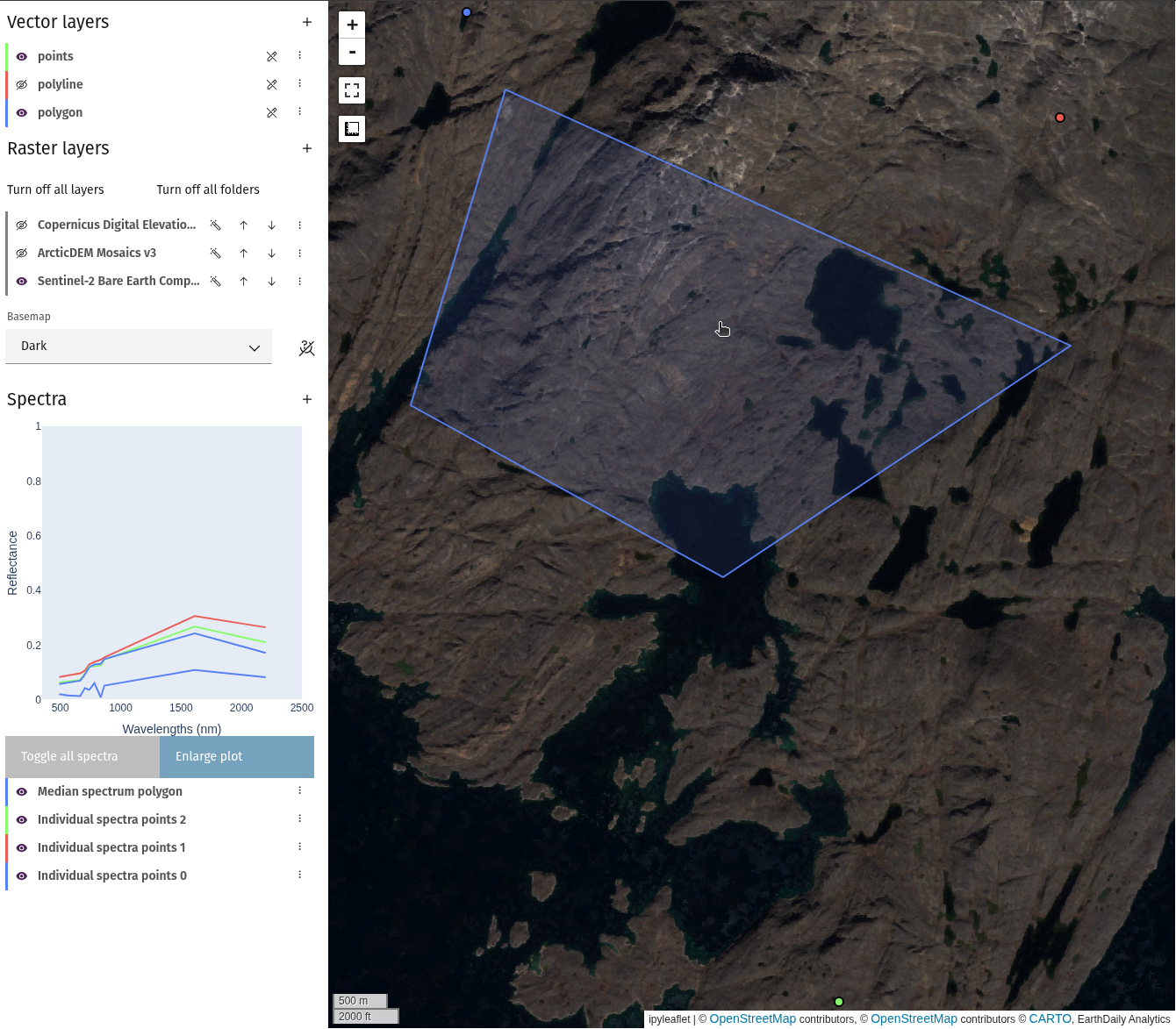
Compute spectra over vector
Spectral information in a raster layer can be extracted in two ways: individual
points (Spectral query), or extracted from vector layers. Note
that the bands need to have their wavelength information stored in the Platform
product. Data managed by EDA, such as the Bare Earth Composites and public
hyperspectral datasets, have this by default. For personal products, ensure that
at least the wavelength_nm_center property is defined for all spectral bands. Contact
support for assistance with correctly loading data.
- From
Spectraheader, selectAdd spectra to project.
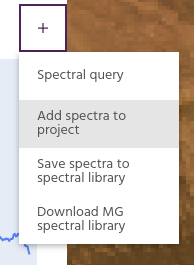
- From the dropdown, select
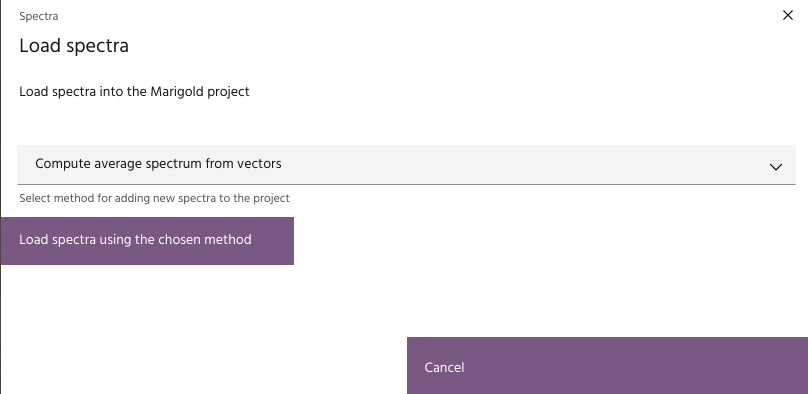
Compute spectra from vectorsand click theLoad spectra using the chosen methodbutton.
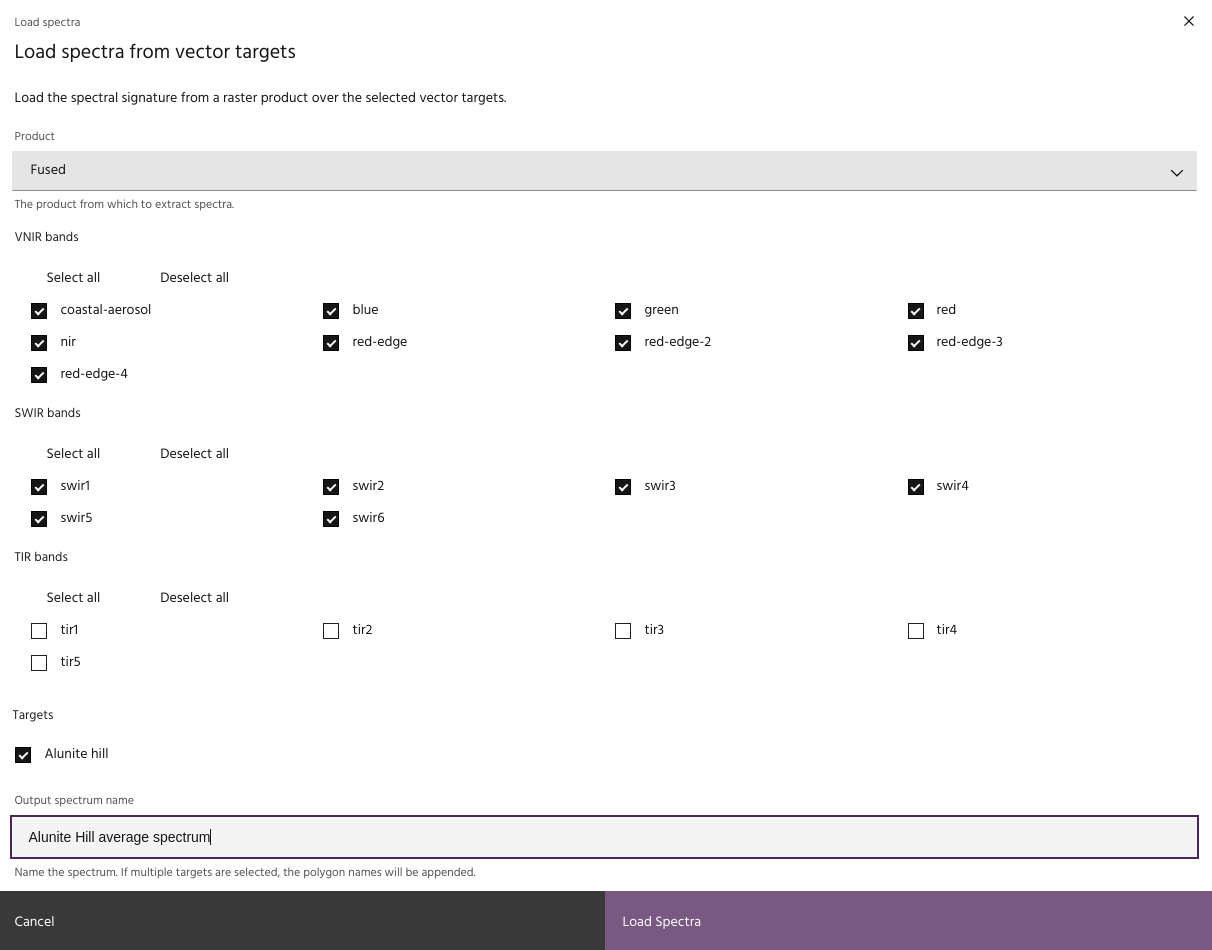
- Choose the raster layer to extract a spectrum from, and the bands to use.
- Choose at least one target vector. One spectrum will be computed for each AOI
chosen.
Note
Only polygon and point vectors are available with this tool.
- Select whether to compute spectra for each feature in the vector, or to take the median across the features.
Tip
If computing a point vector, unselecting the median option is equivalent to taking spectral queries of each point in the layer.
- Choose a base name for the spectra and click
Load Spectra. IfTake median of spectra across featuresis selected, one spectrum per selected vector will be generated. Otherwise, it will generate one spectrum per feature.