Rapid mapping outputs
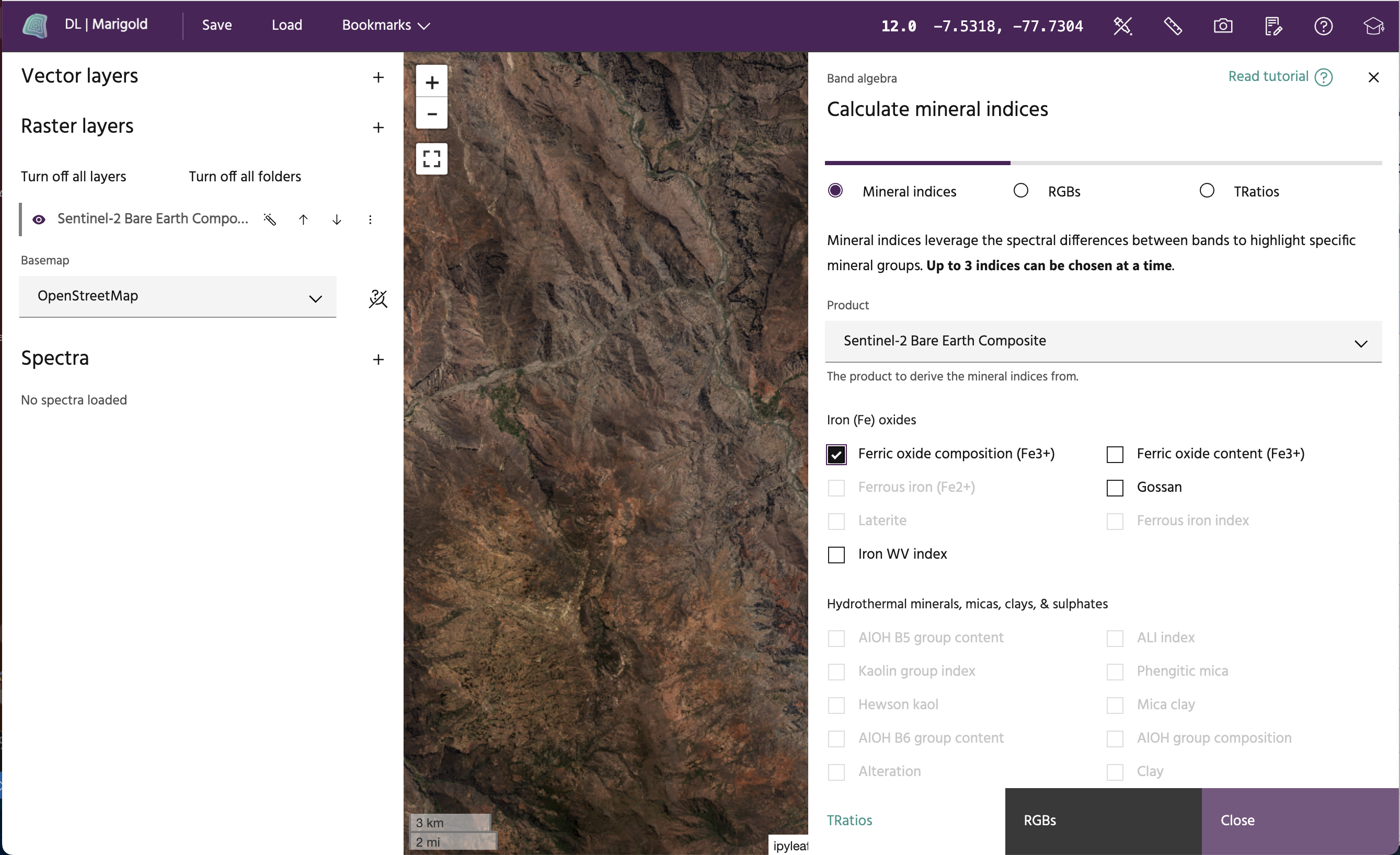
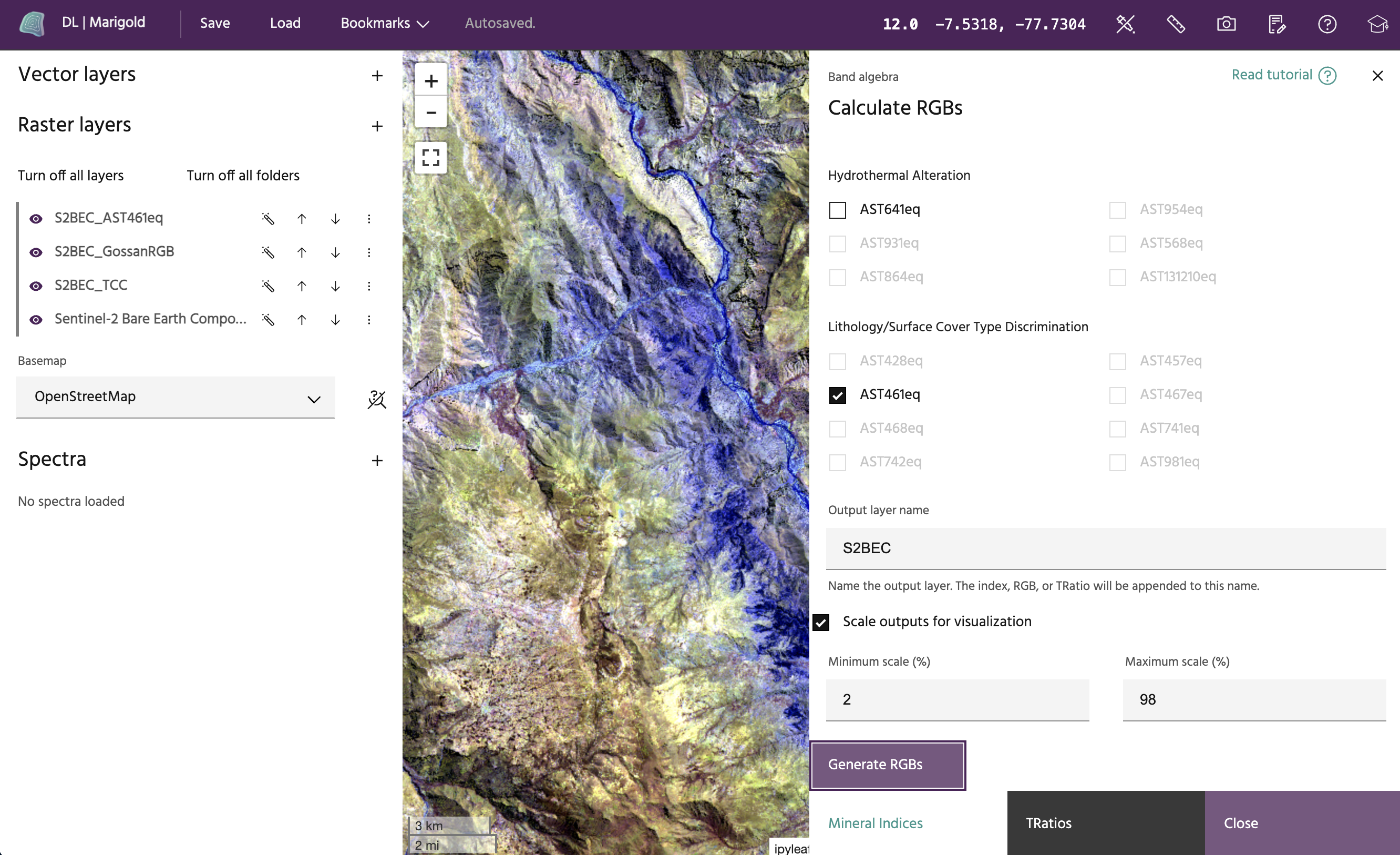
The Rapid mapping outputs tool builds on the Mineral indices tool to provide convenient presets that can be used to highlight specific mineral groups, RBG layers, and TRatios for interpretation or classification alongside other data derivatives.
Tip
More information on RGBs for Sentinel-2 can be found here.
Usage:
- Choose an available product from the Product dropdown menu. This menu includes the raster layers you've added to your session that have spectral bands.
Warning
Hyperspectral data will be approximations. Indices will be available if the dataset contans a band that is less than 50nm from the target reference band, but there still may be differences in the output indices, since the indices were developed using different datasets.
- At the top, toggle between Mineral indices, RGBs, and TRatios. For each given type, you can select up to 5 indices to add as either separate layers or one layer with multiple bands to your map.
Note
Not all indices will be available for all products. For example, the Sentinel-2
Bare Earth Composite only has swir1 and swir2 shortwave infrared bands, so
any index that requires another SWIR band will not be available for output from
that product.
Note
You will be taken to the Mineral indices page by default, but can access the other types of indices using the toggle button at the top.
- Once up to 3 indices have been chosen, select an output name, which will be included along with the name of the index for each product. Optionally, output layers may be scaled with a linear contrast stretch (similar to using the magic wand autoscale button) to aid in visualization. While the typical linear stretch goes between the 2nd and 98th percentile, you may choose to stretch these at different percentages. Click the Generate indices button to generate the selected indices.