Morphological operations
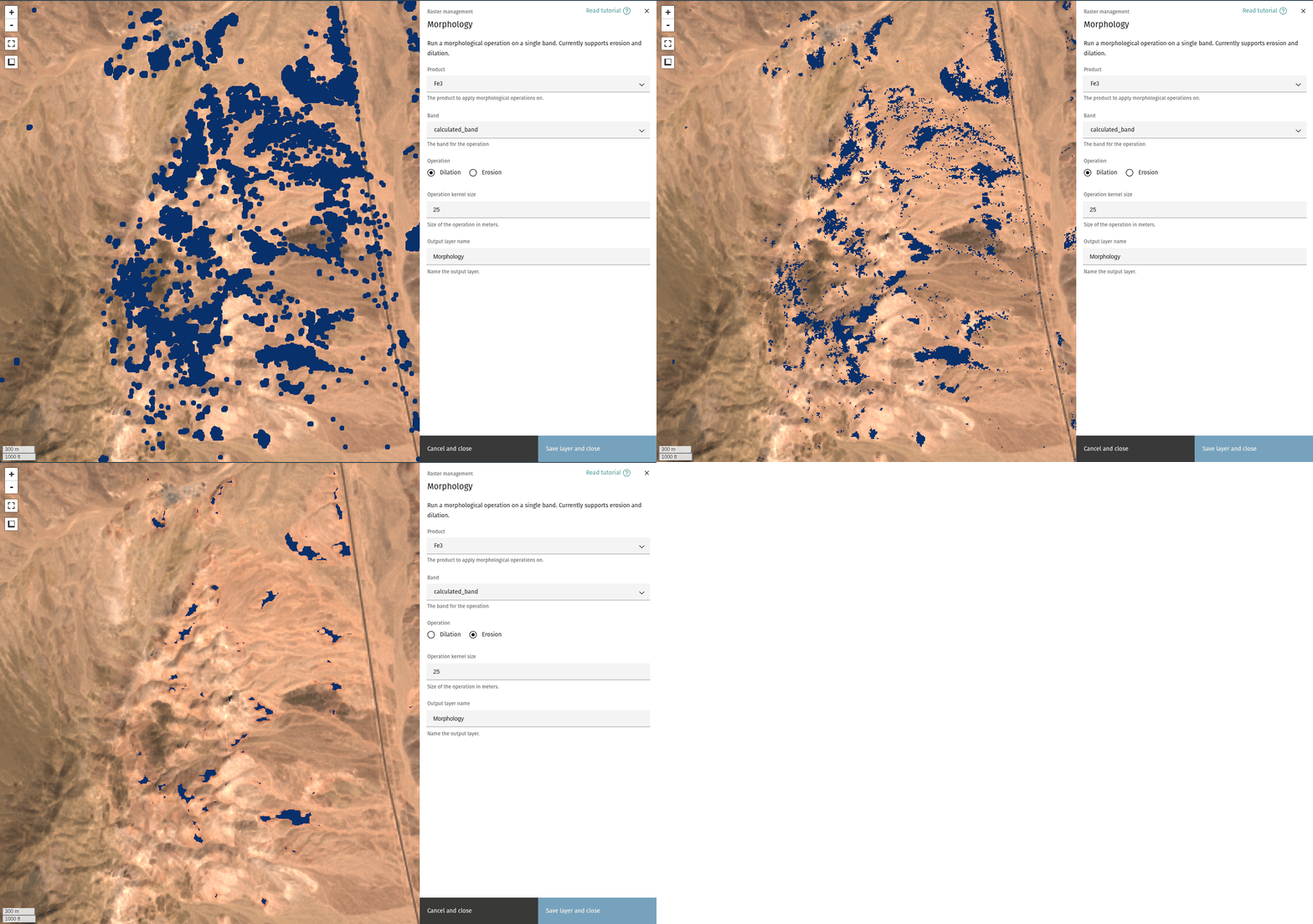
The Morphology tool offers a workflow for applying morphological operations to a layer. Currently, the tool supports erosion and dilation of a single band.
Tip
Background on morphology can be found here.
Select input layer
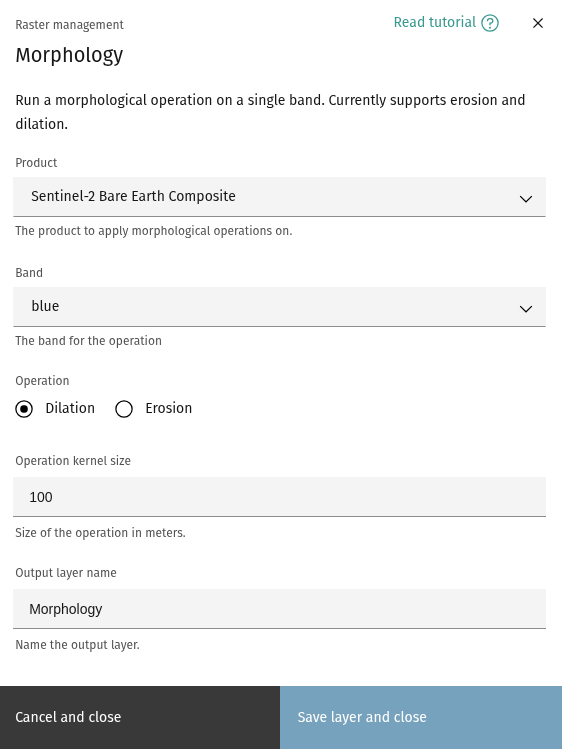
The Morphology dialog allows you to select the product and an input band to apply the operation on.
Operation
Select the operation to apply to the chosen layer and band. Currently supports erosion and dilation.
Operation kernel size
Size of the kernel, in meters.
Tip
Kernel size is used as the radius of a disk-shaped element for applying the operation.
Output layer name
Choose a name for the output layer.